 My favorite digital watercolor app for fashion art
Digital watercolors? EEEEEEEW!!
How can you possibly get textural, delicious paint effects on a piece of smooth, cold hard glass??
Even in 2026, a lot of digital apps have a slick, gooey, artificial and harsh feeling to them.
BUT NOT ALL OF THEM!

DIGITAL WATERCOLORS IN AN APP:
I love working with my gouache. IT’S ART.
Puddles of water, the smell of paint, brushes and palettes, paper towels and watercups, various textures of paper….
BUT WHO HAS SPACE FOR THAT?! (well, it’s fine if you do. But sometimes you don’t).
Do you live in a city in a tiny space? Are you like me with a house full of kids and business, it can be hard to spread out , setup watercolors and colored pencils, water cup, paper, towel, workspace, aaaand clean up all of those art supplies.
How wonderful is it that I can use my iPad to enjoy the pleasure of creating with digital watercolors or gouache to create exactly the evocative, emotive, RICH, QUALITY fine art effects for my fashion illustrations.
WATER IS EMOTION
Today I’ll share my absolute favorite digital watercolors app for fashion art.

Easy to use.
Digital watercolors.
Beautiful. Portable.
Elegant. Affordable. Shareable. Saveable.
Easy to understand.
Inexpensive, but lush and projessional digital watercolors app.
INTUITIVE INTERFACE so you can work as quickly as you can feel an impulse.
This uniquely conceived fashion illustration app features textured papers, colored papers, pencils, markers, gouache, pens, colored pencils, various watercolor effects and more and more than I can tell you without an online course.
Today I’ll share with you my process so you can see and feel the effect of Tayasui Sketches App.

DIGITAL WATERCOLORS STEP BY STEP:
Here is my “step one” :I started the sketch with the skin only.
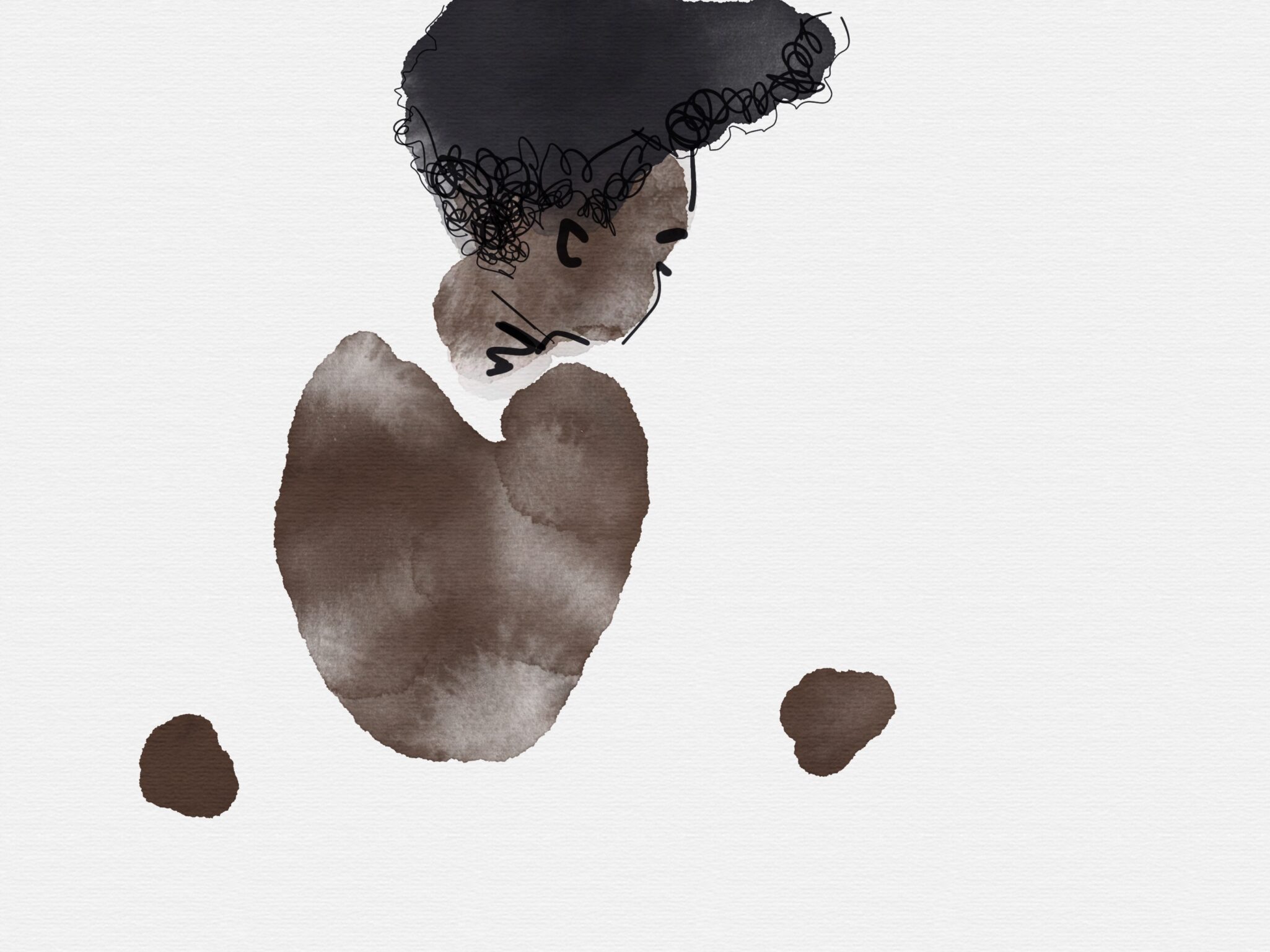
Sometimes, I like to do that, rather than sketch out lines.
Why? It makes me focus entirely on SHAPES, and that is a WONDERFUL WONDERFUL practice to sharpen your senses. PURE SHAPE WITHOUT LINE.
Step two, you can see I took a very fine black digital pen to plot out the shape of the blouse.
Step three, I studied the texture of the hair to give definition to the shape I had created.
Step four: I chose a new digital watercolor color, the PINK which was the dominant color of the pattern of the dress. I chose a texture and size of digital watercolors/gouache paintbrush to execute the pink.
Step five, i chose the yellow that also dominated the fabric of the fashion design, and applied that over the pink.
Step six, I grabbed a digital colored pencil and added in more details to the paisley, taking into account the size and frequency of the motif in relationship to the size of the model.
COME JOIN NOW IS YOUR TIME!
Start expanding your experience and expression in fashion arts and illustration, and design.
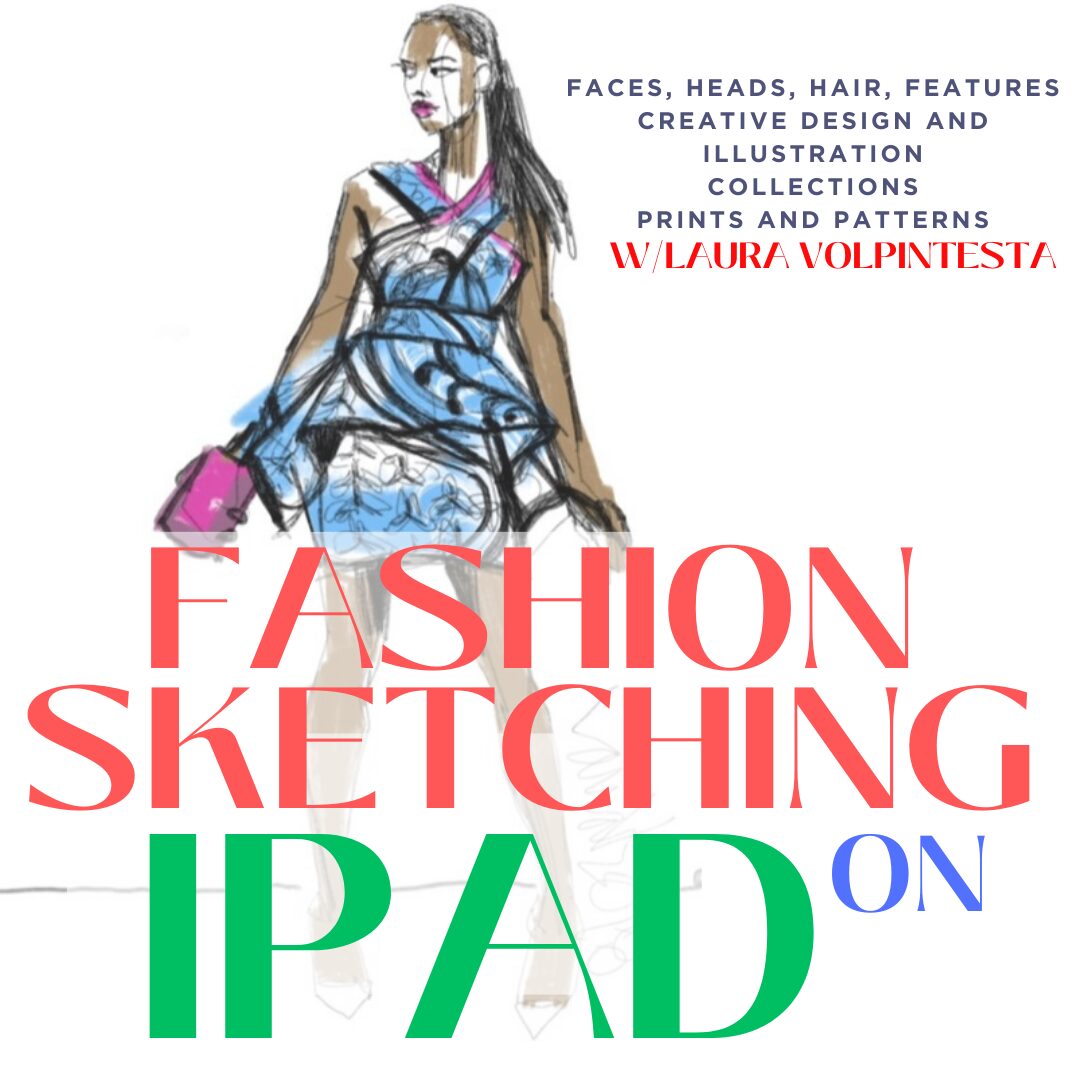
If you click any image on this page, you’ll get the signup link for my iPad ABOUT Faces Fashion Illustration Course.
In it, you get access to me in private course areas, share your work and give or get encouragement, support and feedback.
You get lifetime access to your course materials, AND you will learn 3 amazing apps you can use to create fashion illustrations- and even creative design sketching techniques for creating original design collections of garments!
ABOUT FACES/ IPAD fashion illustration course is curated carefully from my now YEARS exploring different apps and teaching fashion designers and students to draw faces easily..
The course also teaches you how to “build “ heads, hair, faces and features so that you can create and explore this most fascinating of all topics.
I mean, creating paintings of people that really capture their style, personality, story and adornment, that is so satisfying and sacred. I love it.
Don’t you?
Love,
Laura