
DISCOVERY
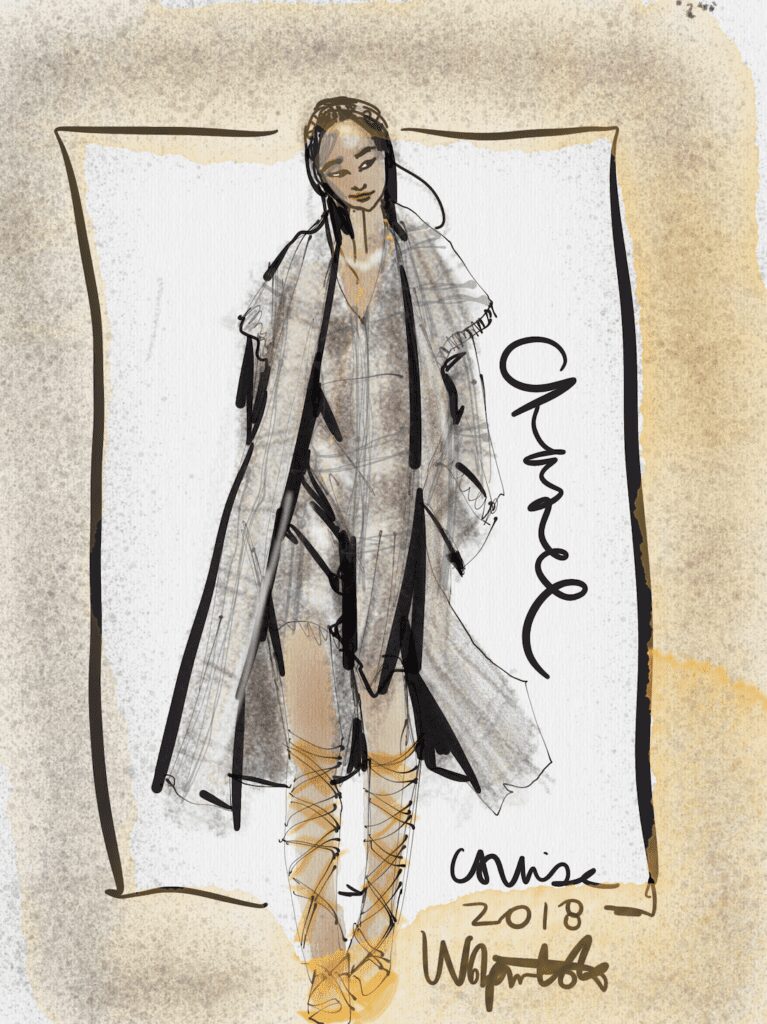
Here are my discoveries about fashion illustration apps— IN MY EXPERIENCE–to share with you so you can thoroughly enjoy digital fashion sketching on your iPad or Android device! (videos included further down )

All of the recommended apps are available on Google Play and Apple App store, so these 3 best fashion illustration apps are available for both operating systems. Some are even available on desktop!
Personally, I first started digital sketching a few years ago using an iPad MINI with fashion illustration apps in 2015 after resisting them for a long time and was thrilled with the results when I finally fell in love with them.

grit, flow, shimmer, depth, drama, composition and layout… sensitivity, variety. These are all idea qualities in fashion illustration apps

1. TAYASUI SKETCHES PRO APP
For the classic artist, freehand fashion illustration feels the most natural and organic like gouache and pencil on your digital device when you use Tayasui Sketches… a VERY affordable, and VERY flexible app for fashion sketching with tools that many other apps don’t have, such as
- various paper textures,
- infinite paper colors,
- access to text,tool
- textures and patterns such as watercolor for filling shapes
- VERY easy to access and select tools menu interface
- a viscerally textural feel (if and when you want that like I do) that really looks and feels like gritty, sensitive pencil, watercolor, brush pen, ink etc. It even has sound effects if you want them on!
- It also has various digital “sketchbooks”... like little moleskines that you can use to organize your work, and put labels and titles on them!
- You can easily share your work via social media or export to photoshop or camera. SHARING DIGITAL WORK looks bright and clean on socials!
- if you want to, and you can also RECORD YOUR DRAWING PROCESS in real time with or without sound, and play it back later!
- cut and paste portions of your drawing to duplicate, shrink or rotate them
- adjust the opacity of tools and layers
- adjust the size of your tools.
TEXTURAL QUALITY IN FASHION ILLUSTRATION APPS

I’m someone who always strives to keep the tactile look and feel of real art supplies in my digital fashion illustration, and that’s why Tayasui Sketches Pro app is my first choice of fashion illustration apps. I also recommend it to you because it is clean, easy, intuitive, natural, a total joy to learn.

LAYERS in ART APPS
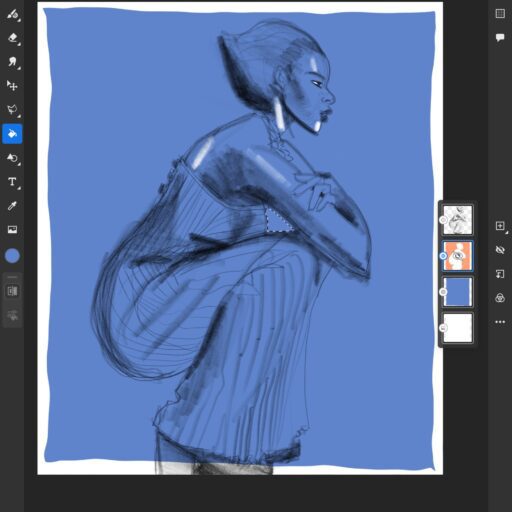
STEP BY STEP PROCESS
Here is a step by step example of one of MY VERY FIRST fashion illustrations “growing ” in Tayasui Sketches app.

I want show you the soft grittiness of the pencil and range of light to darks. I like to sketch first in light pencil, then follow up with ink pen and paint over that. (see?)
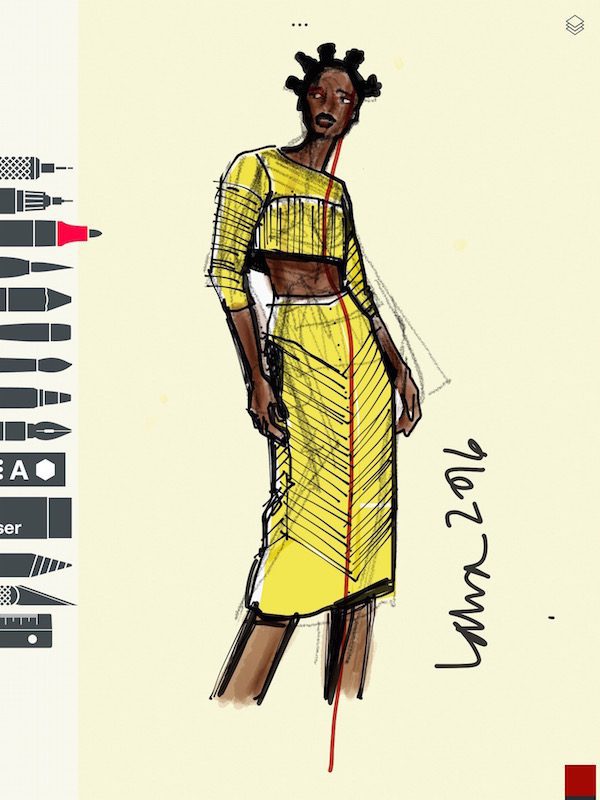
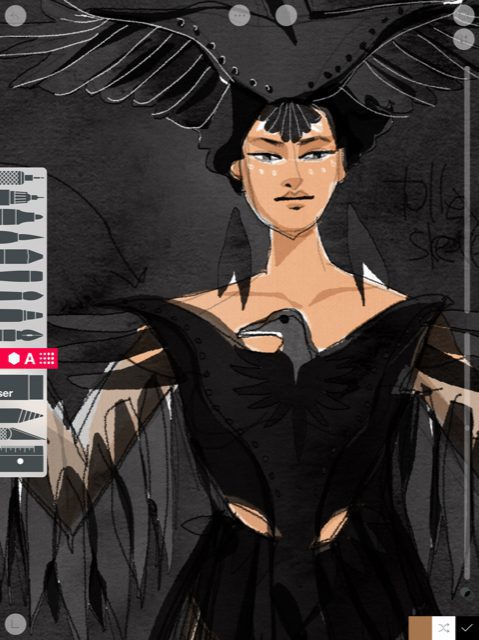
Tools I used in the Tayasui app for fashion illustration:
TINTED PAPERS
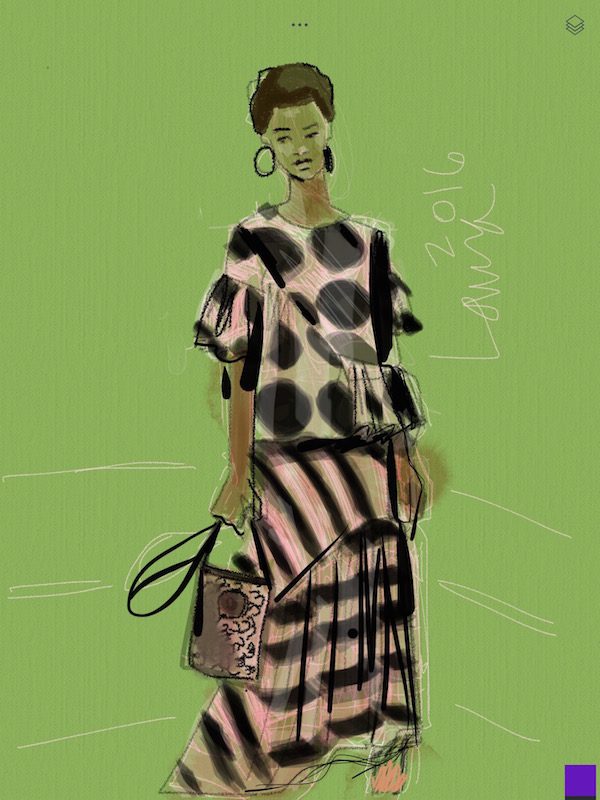
Here you can see I used an alternate paper color, and the watercolor (used on the skin tone) tool’s texture and also the sheer, smooth marker tool i used for the yellow fabric. A black “felt tip pen” tool is used for all of the lines.
Most apps for fashion illustration have a great black brush tip ink pen tool.
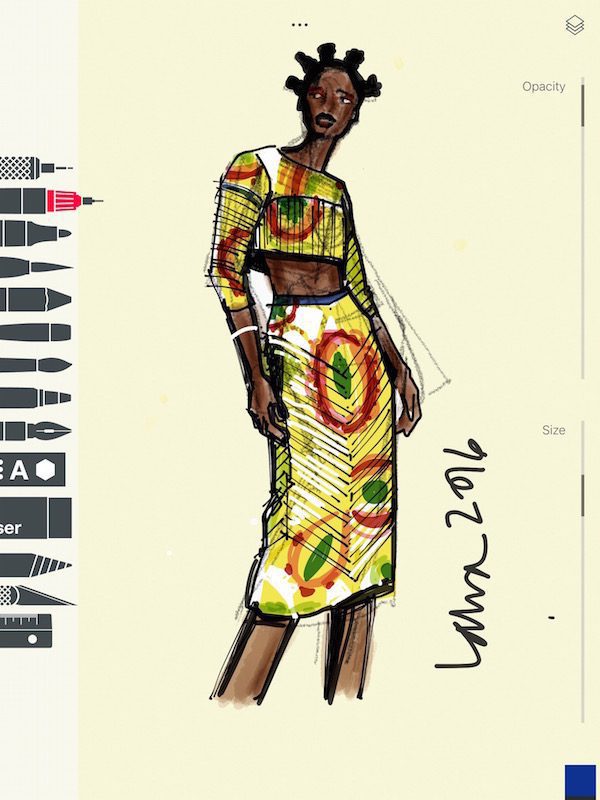
HIGHLIGHTS AND SHADING
I added white highlights for “pop” by using an opaque white over the base colors and marker tools (see the tools in the image above, the toolbar appears to the left) to add the African/ Ankara print motif and colors (I actually usually use colored pencils for that instead now). Notice I was able to choose a color for the background/ paper color! (creamy)
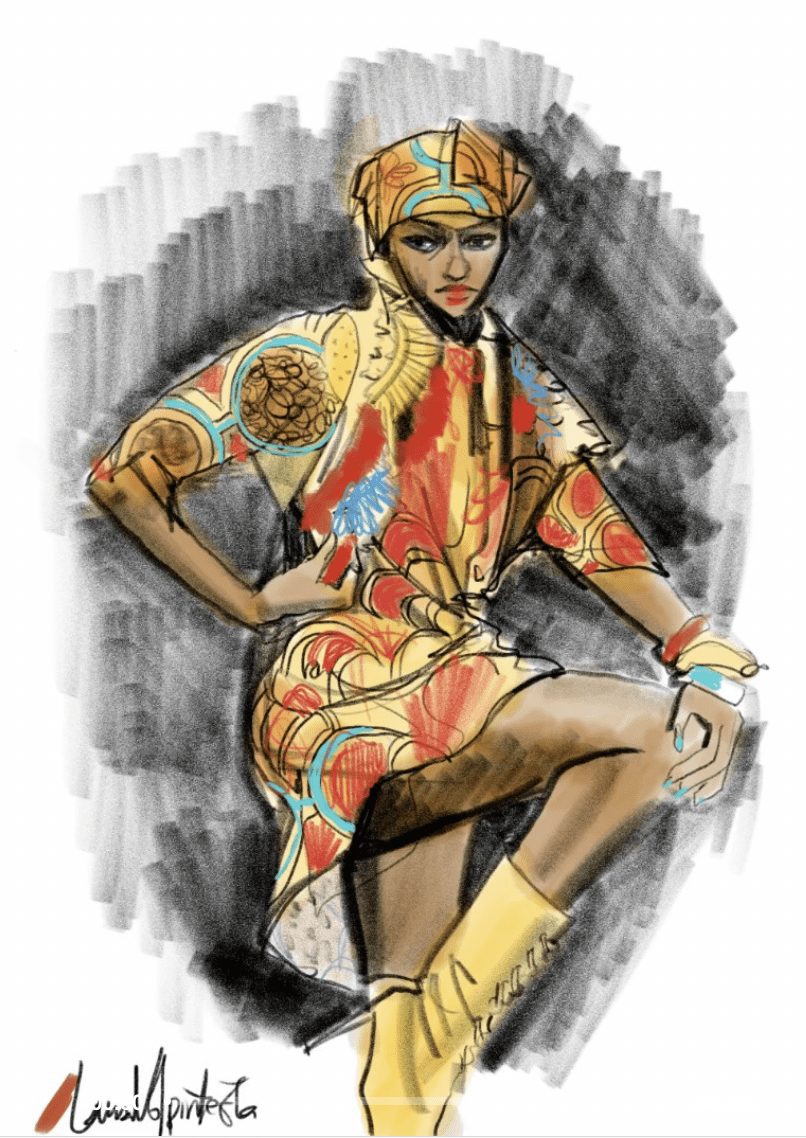 Fashion illustration apps hold each color and “step” of the drawing on a separate layer, so i can add and remove the background, or skintone, or change the fabric for another, etc.
The sketch in the video below was done with the same app, also using pencil, marker, brush pen and watercolor tools. And no mess! totally portable! Colored paper, colored pencils, everything I want, right in my iPad when I illustrate with apps.
FINGER SKETCHING IS A GREAT WAY TO BEGIN
No stylus required.….. zoom features mean I can work with my finger if i want (I like to) and still get details like the face, etc.
Dive into learning and creating with these tools: Join ABOUT FACES now!<<<<


This one is TOTALLY DIFFERENT than other apps for fashion illustration!
Adobe Draw app (used in the video above) was super smooth, sleek. and slick , there were no textures in it unless you created them yourself.
Utter simplicity was its beauty. Adobe Fresco has more cluttered tool bar than Adobe Draw did, but I am SOOOO THANKFUL that I learned on the original and now know how to transfer everything I love about the techniques i developed, into the new Adobe Fresco app.
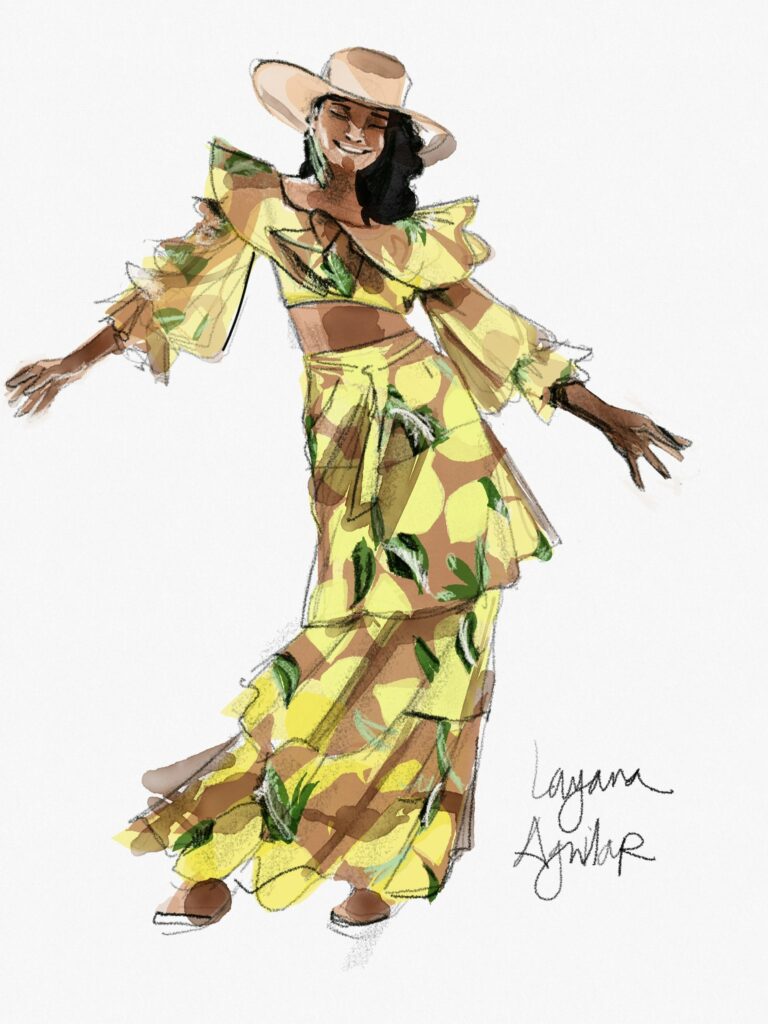
 Digital fashion illustration with apps: fashion designer Layana Aguilar by Laura Volpintesta
CLEAN, CLEAR COLORATION
See those super clean,flat color shapes and super fine lines? I layer flat colors to get dimension and texture, as well as form and shadows. It’s a vector based way of creating images, so you can create something like a logo that is transparent grounded. As long as you use VECTOR BRUSHES can also blow up the images infinitely to the size you want without getting pixels.

TRY IT FOR YOURSELF: join ABOUT FACES course!
2C. Adobe Photoshop Sketch app (now also Adobe Fresco app)
I loved this one so much! Another of my favorite fashion illustration apps…..
This is the third app that I teach in my about faces course. Adobe Sketch app for fashion illustration is simpler to use—(fewer tools) yet harder to use inside of Fresco than it was before.
It has a lot in common with the Tayasui Sketches app, but it’s really so different as you’ll learn and FEEL in the course.
ORGANIC, GRITTY TEXTURES
. It has a lot of different textural brushes to choose from– some similar to Tayasui, and some totally unique to Adobe Photoshop Sketch/FRESCO app. That’s why it’s included in my online course, as well.
My favorite is the soft, gritty textured, pressure-sensitive pencil.
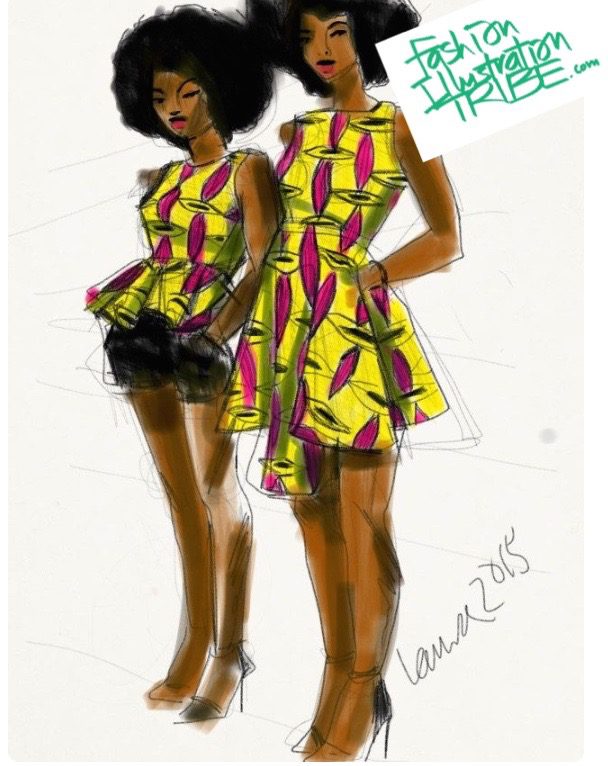
While at the same time you have access to charcoal, pastel, ink brush, crayon, watercolors, LASSO and FILL tools, colored pencil, and so many others. It’s the same app I used to create this illustration below of dress by Natcha Baco, an African fashion designer in Paris.
And don’t forget, it’s always amazing to get the whole kit -and-caboodle. Model drawing, watercolor, color techniques. Learn textures, details, design research and presentation, and work out your own collections! I’ll be teaching you the tools I teach in my Parsons classes for 20 years.
Because now, it’s your turn!

4. PROCREATE APP
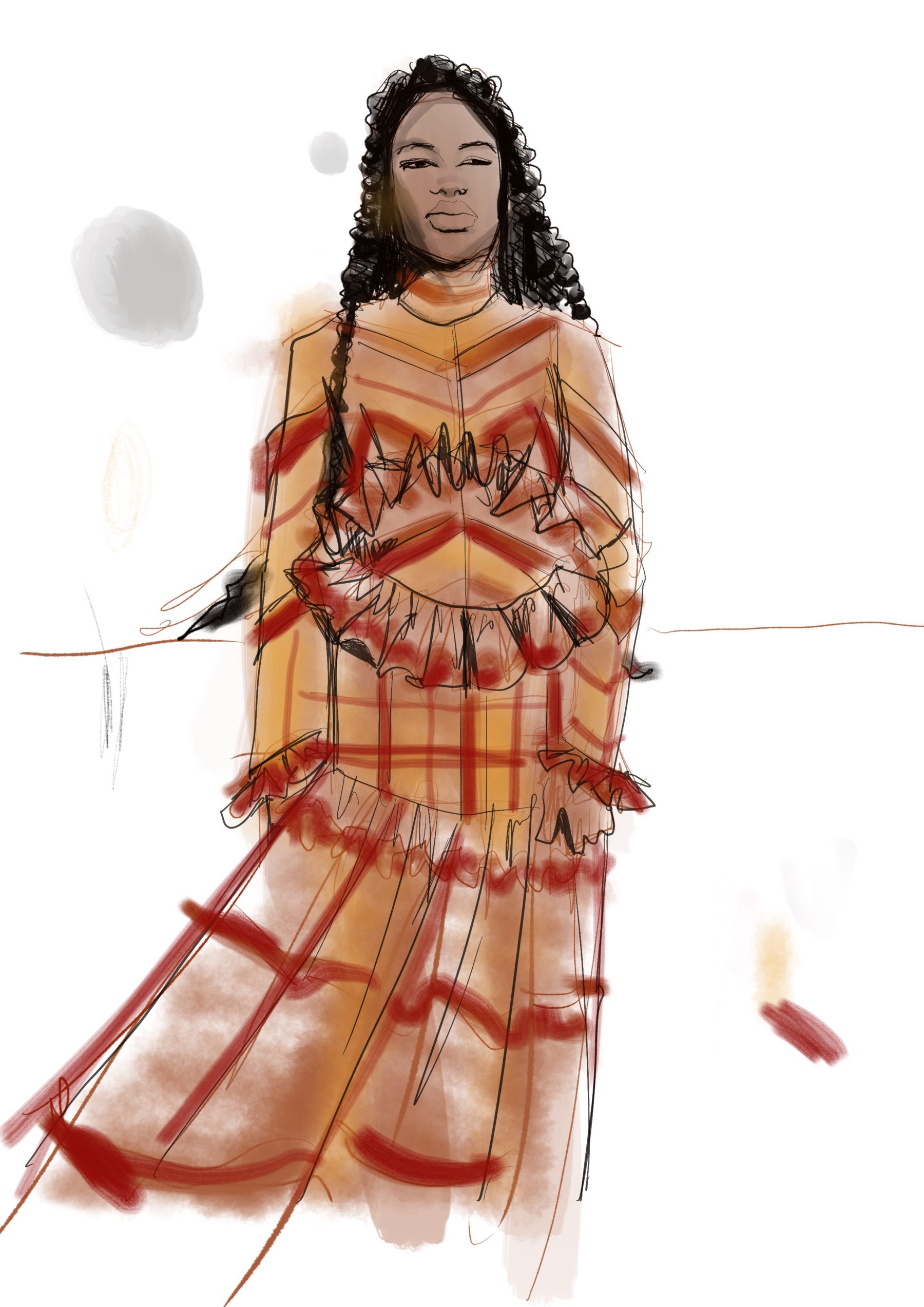
And oh, yeah, everyone love love loves Procreate app for fashion illustraiton, except me! I mean, it’s okay, but doesnt hold a candle to the favorites I’ve listed in this article. But you can check out my Procreate articles around the site here or schedule some private coaching with me!
Let’s go deep in finding your voice and honing your craft for professional, thorough, dynamic, descriptive designs, illustrations, collections and even patterns!
I’m here for all of it.
Let’s go
Love, Laura